
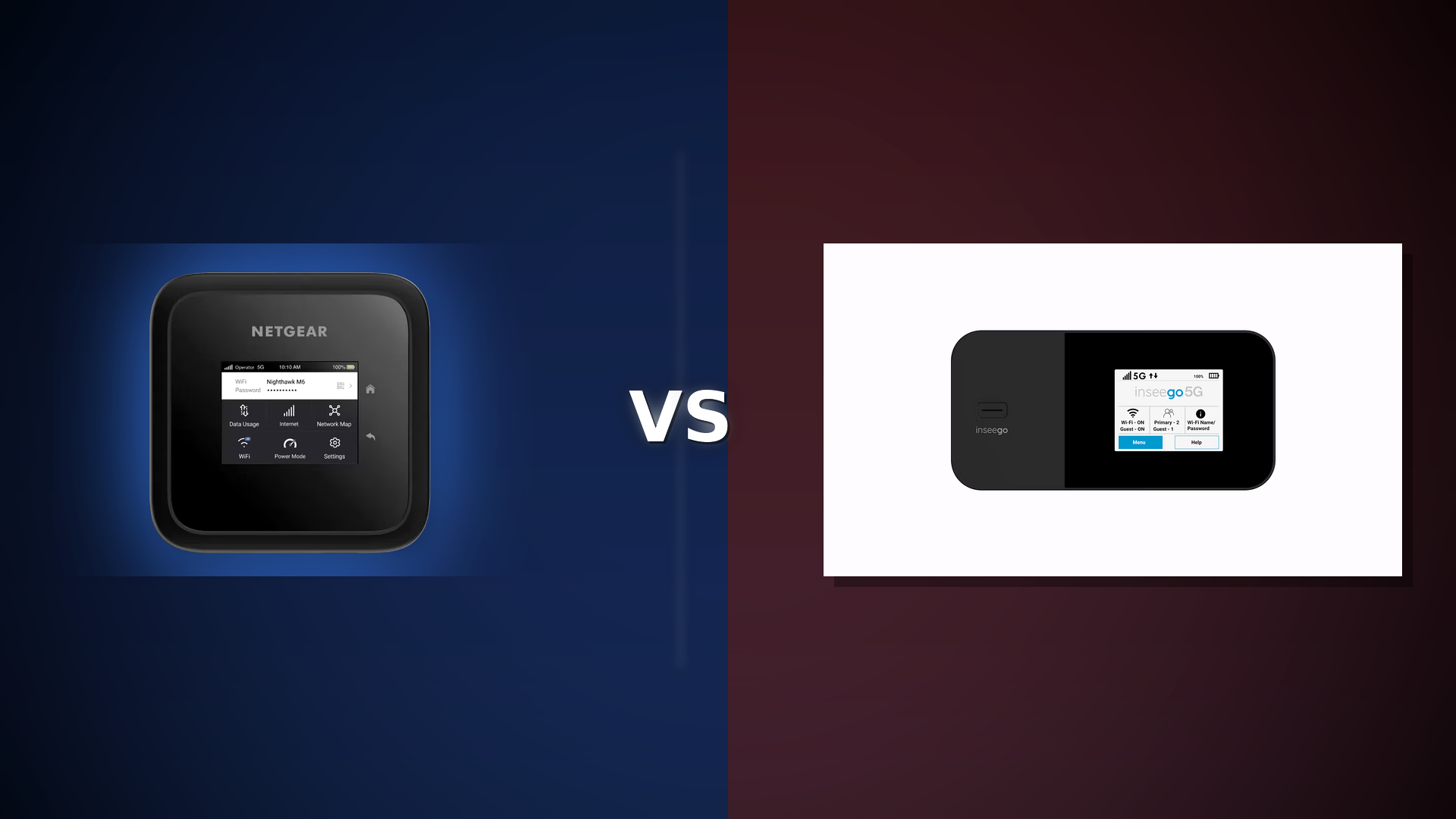
If you’re looking to upgrade to a modern 5G hotspot, you likely want faster speeds, better Wi-Fi for several devices, and a setup that stays reliable when you connect a laptop, use Zoom, and add a few phones.
The Netgear Nighthawk M6 (MR6150 unlocked) and the Inseego MiFi X Pro 5G are both designed for heavy use. Each supports up to 32 connected devices and includes Ethernet for a more stable connection.
Here’s a practical comparison to help you choose the right 5G upgrade.
Quick verdict
Choose Nighthawk M6 if you want:
- A widely sold, travel-friendly “do everything” hotspot with Wi-Fi 6 and Ethernet.
- A simple upgrade from phone hotspot life, especially if your devices are mostly Wi-Fi 6 (not 6E)
- An unlocked device that is advertised to work with major U.S. carriers (be sure to check your plan and device compatibility).
Choose MiFi X Pro if you want:
- A hotspot focused on work and business needs, with enterprise features like VPN options, VPN pass-through, WPA3, privacy separation, and static IP support (depending on your plan).
- Designed for continuous use, with a battery preservation mode when plugged into AC power.
Which 5G hotspot fits you best?
Carrier-agnostic quiz: answer 5 quick questions and get a clear pick between Nighthawk M6 and MiFi X Pro.
No answer selected yet.
Side-by-side: what actually matters
1) Wi-Fi: Wi-Fi 6 vs “better Wi-Fi management”
- Nighthawk M6: Offers Wi-Fi 6, and Netgear’s interface is made to be simple for consumers. Netgear promotes it as a better choice than phone hotspots or public Wi-Fi, supporting up to 32 devices.
- MiFi X Pro: Also supports Wi-Fi 6 and up to 32 devices, but Inseego highlights business-friendly controls such as Wi-Fi privacy separation and extra security features.
If your main issue is cellular signal, either device will be a significant improvement over a phone hotspot. If you need better network management for things like a work laptop, VPN, or secure access, the MiFi X Pro’s features may be more important.
2) Wired performance: Ethernet is a big deal for stability
Both support Ethernet, which is what you want for:
- A travel router setup
- console/PC gaming stability
- reliable video calls
- RV/van “single-wired uplink to router” setups
- Nighthawk M6: Netgear highlights the Ethernet port and promotes it as a primary or backup connection device.
- MiFi X Pro: Inseego includes a 1 Gbps Ethernet port and USB-C connection.
3) Security & remote-work readiness
This is the area where the MiFi X Pro stands out.
- MiFi X Pro: Inseego specifically calls out enterprise-grade security features (e.g., OpenVPN, VPN pass-through, WPA3, privacy separation, static IP support).
- Nighthawk M6: Netgear says it is more secure than public Wi-Fi or phone hotspots, but does not focus as much on enterprise features in its marketing.
If you work remotely and rely on VPNs, the MiFi X Pro is better suited for your needs.
4) 24/7 plugged-in use (home internet backup, small office failover)
- MiFi X Pro: Inseego clearly states it can run 24/7 and includes a battery preservation mode when plugged into AC power.
- Nighthawk M6: Netgear promotes the M6 as a primary connection and a good backup solution, which covers the same needs, but the MiFi X Pro focuses more on being ‘always on.’


Key factors to help you decide quickly
Pick Nighthawk M6 if you’re:
- A traveler who wants a straightforward, well-known hotspot platform
- Running a “normal” load: phones + laptop + streaming + basic work calls
- Looking for a simple upgrade and do not need advanced security features
Pick MiFi X Pro if you’re:
- Working remotely with VPN needs, or wanting more control over admin and security settings
- Using the hotspot as a semi-permanent connection, with it plugged in most of the time
- Managing a family or team setup where separating guest and private networks is important
FAQ (for 5G upgrade seekers)
Will either one automatically be faster than my current hotspot?
Not always. Speed depends mainly on your carrier coverage, 5G band support, network congestion, and your plan. Hardware helps, but signal quality is most important.
Not always. Speed depends mainly on your carrier coverage, 5G band support, network congestion, and your plan. Hardware helps, but signal quality is most important.
Can these replace home internet?
They can, especially as a backup or in areas with strong 5G coverage. Netgear promotes the M6 as a primary or backup internet option, while Inseego highlights 24/7 use.
They can, especially as a backup or in areas with strong 5G coverage. Netgear promotes the M6 as a primary or backup internet option, while Inseego highlights 24/7 use.
How many devices can I connect?
Both advertise up to 32 devices.
Both advertise up to 32 devices.
Bottom line
If you want the best “premium hotspot” experience with minimal fuss, the Netgear Nighthawk M6 is usually the easiest recommendation.
If your hotspot is going to act like always-on internet — and you want more network/security control baked into the experience — the Inseego MiFi X Pro is often the smarter upgrade.